
Ethernet Switch, Network Switch
What Is Difference Between Hub and Switch in Networking

Aug
What is difference between hub and switch in networking? Two commonly used networking terms are hubs and switches, and many people find these terms confusing. This article will explain the differences between a hub and a switch.
First, let’s understand what devices are in computer networks. A network device is any device used to connect computers, printers, fax machines, and other electronic equipment. These devices help you transfer data quickly, safely, and accurately across one or more networks.
Table of Contents
Difference between Hub and Switch
Let’s look at the differences between a hub and a switch in tabular form to better understand them.
| Parameter | Hub | Switch |
| Operates in | Physical layer of the OSI model | Data link layer of the OSI model |
| Function | Connects multiple devices to a single network | Manages network ports, VLANs, and multiple devices |
| Number of Ports | Typically 4 ports | Typically 24 to 48 ports |
| Collision Domain | One collision domain shared by all ports | Each port has its own collision domain |
| Device Type | Passive | Active |
| Speed | 10 Mbps | 10-1000 Mbps |
| Transmission Mode | Half-duplex | Full-duplex |
| Data Transmission Form | Electrical signals (bits) | Frames and packets |
| Can Act as a Repeater | Yes | No |
| Transmission Type | Broadcast only | Three-dimensional (3D) |
| Intelligence | Not an intelligent device | Intelligent device |
| Usage | No longer widely used | Widely used |
| Spanning Tree Protocol | Not supported | Supported |
| Security | Less vulnerable to hacking | More vulnerable to hacking |
What Is a Hub?
In a computer network, a hub is an electronic device that receives data from different directions and then distributes it to various devices. It connects multiple computers, PCs, and other devices to a single network.
A hub sends data packets to any network device, regardless of whether the packet contains a MAC address. It has multiple ports, and any computer that wants to connect to the network can plug into one of these ports. When data frames arrive at one port, the hub broadcasts them to all connected ports.
There are two types of hubs:
- Active Hub: This type of hub has its own power source and can amplify network signals, clean them, and relay them to other devices.
- Passive Hub: This hub relies on power from active hub devices and the wiring of nodes. It sends signals to the network without cleaning or boosting them.
Applications of a Hub
Hubs have several important applications in networking:
- Network Monitoring: A hub can be used as a network monitoring tool, allowing administrators to observe data traffic on the network.
- Small Home Networks: Hubs are often used to establish small home networks, connecting multiple devices within a household.
- Organizational Connectivity: In an organization, a hub can provide connectivity by linking various devices within the network.
- External Device Access: A hub can make a device accessible from outside the network, enabling external connections to the networked device.
What Is a Switch?
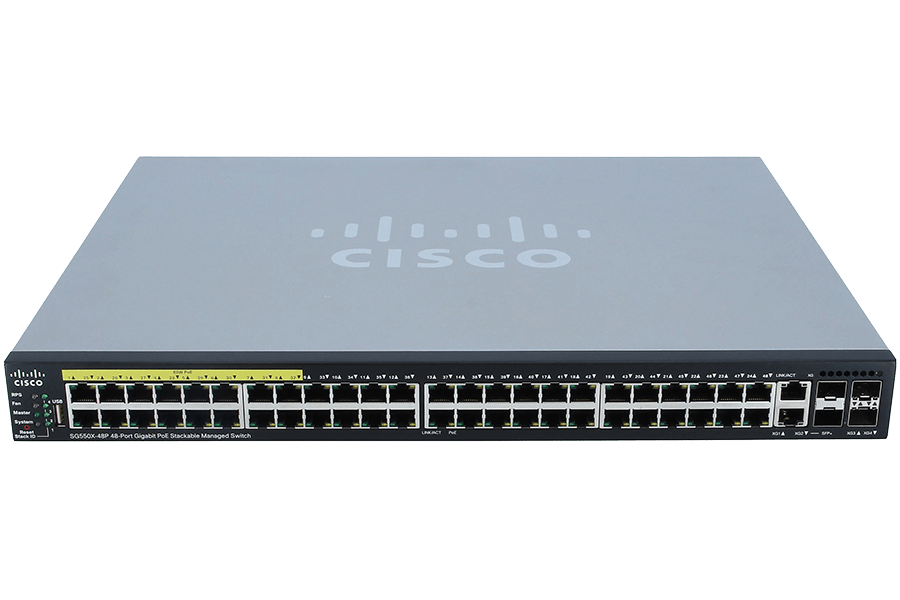
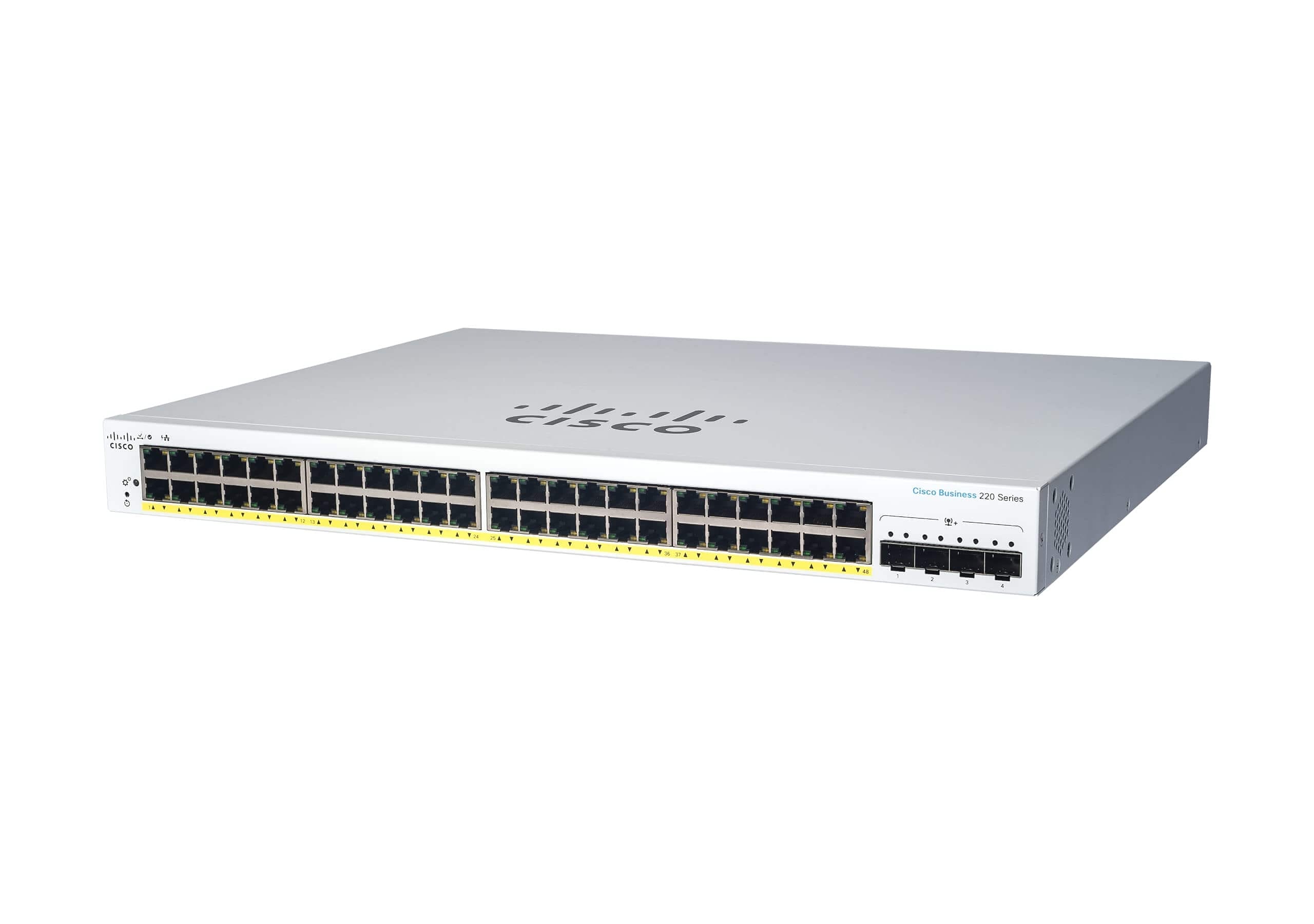
A switch is a device that connects multiple devices within a computer network, allowing them to communicate efficiently.
A switch manages network connections by opening or closing circuits. When the switch is in the open position, the connection is active. When the switch is closed, the circuit is broken, stopping the flow of data.
A switch maintains a table of the MAC addresses of the devices connected to it. When the switch reads a data packet’s destination address, it routes the traffic directly to the appropriate device. If the destination address is not in the table, the switch broadcasts the traffic to all connected devices.
There are four main types of switches:
- Managed Switch: This switch includes an IP address and a console port, allowing it to be configured and managed.
- Unmanaged Switch: Lacking a console port, this switch cannot be configured, and an IP address cannot be assigned.
- Local Area Network (LAN) Switch: This switch connects devices within an organization’s LAN, allocating bandwidth to ensure data packets do not overlap.
- PoE (Power over Ethernet) Switch: Used in PoE networks, this switch simplifies cabling and provides greater flexibility, particularly for Gigabit Ethernet connections.
Applications of Hub a Switch
Switches have a wide range of applications. Here are some of the key uses:
- Virtual LAN Creation: Switches can create virtual LANs (VLANs) to segment and manage network traffic efficiently.
- MAC Table Management: Switches maintain a MAC address table to direct network traffic to the correct devices.
- Multi-Port Bridging: A switch can act as a bridge with multiple ports, allowing for the connection of several network segments.
- Small Office Applications: Switches are widely used in small office networks to connect devices and manage data flow.
- Data Flow Management: Switches manage data flow within a network, ensuring efficient communication between devices.
- Physical Connections: Switches provide physical connections between devices on a computer network, facilitating communication.
- Full-Duplex and Half-Duplex Modes: Switches can transmit data in both full-duplex and half-duplex modes, depending on the needs of the connected devices.
Differences Between a Hub and a Switch
A hub is a networking device that connects several PCs on a single network, while a switch connects multiple devices within a computer network.
- OSI Model Layer: A hub operates at the physical layer of the OSI model, while a switch functions at the data link layer.
- Transmission Mode: Hubs use half-duplex communication, meaning data can only travel in one direction at a time. Switches use full-duplex communication, allowing data to flow in both directions simultaneously.
- Component Type: Hubs are passive devices, while switches are active devices.
- Spanning Tree Protocol: Switches use the Spanning Tree Protocol to avoid switching loops, whereas hubs cannot prevent these loops.
- Bandwidth Sharing: A hub shares bandwidth among all connected ports, while a switch provides dedicated bandwidth for each port.
- Number of Ports: Switches typically have more ports than hubs.
- Data Transmission Speed: Data transmission is slower with a hub compared to a switch.
- Security: Switches are more susceptible to hacking, while hubs are generally harder to hack.
- Usage: Hubs have become less popular in recent years, whereas switches are widely used.
- Intelligence: A switch is an intelligent device that sends data only to specific destinations, while a hub broadcasts data to all connected ports.
- Collision Domains: In a switch, each port has its own collision domain, reducing the likelihood of data collisions.
Conclusion
A hub sends data packets to all connected computers, regardless of the intended recipient. For example, if two computers are communicating through a hub with four total computers connected, the hub will send the data packets to all four computers. In contrast, a switch can identify the destination of each data packet and route it directly to the specific computer that needs it.
Now that you understand the differences between a hub and a switch, you can use network devices more efficiently. Hopefully, this hub vs. switch comparison was helpful.
Upgrade Your Network with Top-Quality Hardware Today!
Discover the best in computer networking hardware with Link US Online. Whether you’re setting up a small office or managing a large network, we’ve got the solutions you need. Explore our wide range of reliable products and enhance your network’s performance across the US. Shop now and experience seamless connectivity!
