
Cisco Meraki, Cisco Networking, Meraki
Meraki Cloud Management: What Runs in the Cloud?
Oct
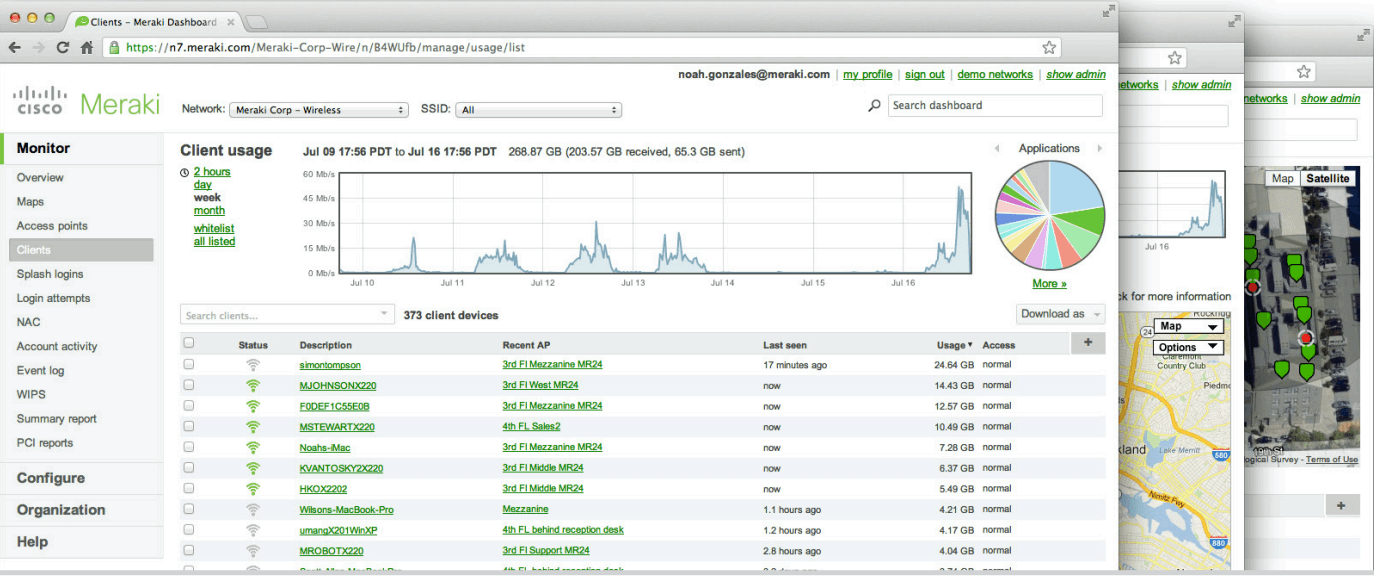
Meraki cloud management means every Meraki device is configured, monitored and updated from one web dashboard instead of on the device itself. Only management lives in the cloud. User traffic never passes through Meraki’s servers: the firewall, switches and access points forward it locally, like any other network.
The short version: Meraki’s cloud model pays off when one IT team runs many sites. If the dashboard goes down, your network keeps running; you just can’t change or watch it until the connection returns.
What runs in the cloud and what stays on site?
| Meraki cloud | Device on site | |
|---|---|---|
| Configuration | Stored and pushed from the dashboard | Runs the last configuration it received |
| Monitoring | Collects status, clients and usage | Reports telemetry |
| Firmware | Schedules upgrades | Downloads and installs them |
| User traffic | Not involved | Switches, routes and bridges it |
| Administration | Dashboard and API | A small local status page for recovery |
How does a new device get its configuration?
You claim the device into your dashboard organization by serial number and assign it to a network. When it’s plugged in and reaches the internet, it downloads its configuration and firmware. That’s how a branch with no IT staff gets set up: headquarters builds the network in the dashboard, someone at the site plugs the box in, and it configures itself.
It still needs power and a working internet connection to reach the cloud the first time. For what each Meraki product line does, see what Cisco Meraki is used for.
Adding devices to a Meraki dashboard?
Since 2011 · 90-day warranty · Free US shipping · POs & net terms
What happens if the dashboard is unreachable?
The devices keep running on their stored configuration. Users keep working, and if the internet connection is still up, they keep reaching the internet. What you lose is visibility and control: no monitoring, no configuration changes, no remote troubleshooting until the connection comes back.
Two things do depend on the cloud. Splash pages and cloud-based Wi-Fi authentication follow whatever offline behavior you’ve set for them, so set it deliberately. And if a configuration change cuts a device off from the dashboard, Meraki rolls it back automatically, which saves a truck roll.
How do templates help with many sites?
A configuration template holds the shared settings for a group of networks. Change the template and every bound site changes with it. For a chain of stores or clinics built the same way, that turns 40 edits into one.
The same reach cuts both ways: a mistake in a template lands everywhere at once. Use separate templates for sites that genuinely differ, and use local overrides for the few settings that vary per site, such as addressing.
What does the dashboard API add?
The dashboard API lets scripts and other systems do what the dashboard does: pull inventory, report on device status across organizations, or push the same change to hundreds of networks. It’s what large Meraki shops use for reporting and automation. Scripts need to respect the API’s rate limits and keep their API keys locked down.
How are firmware and licenses handled?
Firmware upgrades are scheduled from the dashboard, per network, with status for each device. An upgrade still reboots the device, so schedule it for after hours. If a new release causes problems, you can roll back within 14 days.
Every Meraki device needs an active license to run, which is part of the cost of the dashboard. Our Meraki pros and cons covers how that compares with other brands.
Get a quote
Send us the Meraki part numbers and quantities you need, and we’ll quote them the same business day.
Need Meraki hardware for another site?
Since 2011 · 90-day warranty · Free US shipping · POs & net terms
